Start Today
Becoming a student at Merritt College is easy. Use the link below to take the first step. Need help? Visit the Welcome Center.
Steps To Get Started
Get started earning college credit while you're still in high school.
Whether you're enrolled in a traditional high school, an adult high school, or participating in a dual enrollment partnership, you'll find the steps below to get started at Merritt College.
Visit our Welcome Center during business hours or call (510) 436-2445.
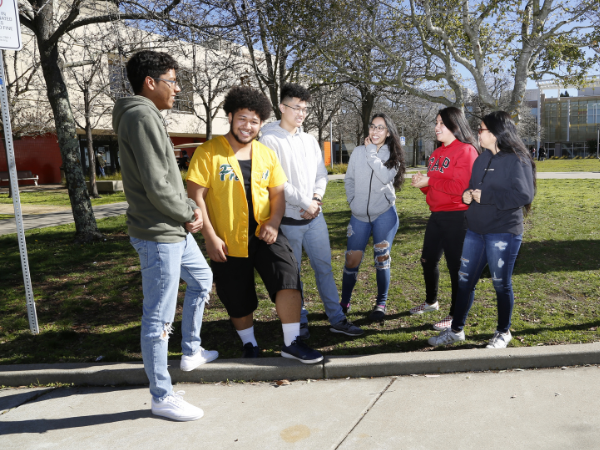
You're enrolled in a traditional high school and want to take college classes at Laney College. After speaking with a counselor, follow these steps.
You will receive emails confirming you've opened your account - save your CCCID number – this can be used to help find your application. Make sure to indicate in the application that you’re currently in high school or lower.
Within about an hour of applying, you will receive an email from the college with your new Student ID. Use it to activate your student email and portal logins — you'll need this ID for everything that follows.
*Once you've received your Peralta Student ID number
Choose the form that applies to you:
You're enrolled in an Adult High School program and would like to take college classes at Merritt. After speaking with your Adult High School counselor, follow the steps below to get started.
You will receive emails confirming you've opened your account - save your CCCID number – this can be used to help find your application. Make sure to indicate in the application that you’re currently in high school or lower.
Within about an hour of applying, you will receive an email from the college with your new Student ID. Use it to activate your student email and portal logins — you'll need this ID for everything that follows.
*Once you've received your 8-digit Peralta Student ID number
Adult High School Special Enrollment Form ➜
Interested in taking a Merritt class through your high school?
Dual Enrollment courses are offered through partnerships between Merritt College and participating high schools. Contact your high school counselor or Dual Enrollment coordinator to learn about available courses, eligibility requirements, and the enrollment process.
To schedule an online orientation please contact Maria Spencer at mspencer@peralta.edu (Please be sure to include your full name).
You will learn important information about college policies, procedures, programs, and student support services.
Once you've completed the previous steps, you're ready to register for classes using the Student Portal.
You can purchase your textbook at the Peralta Campus Store either online or at Laney College, located in the A Building.
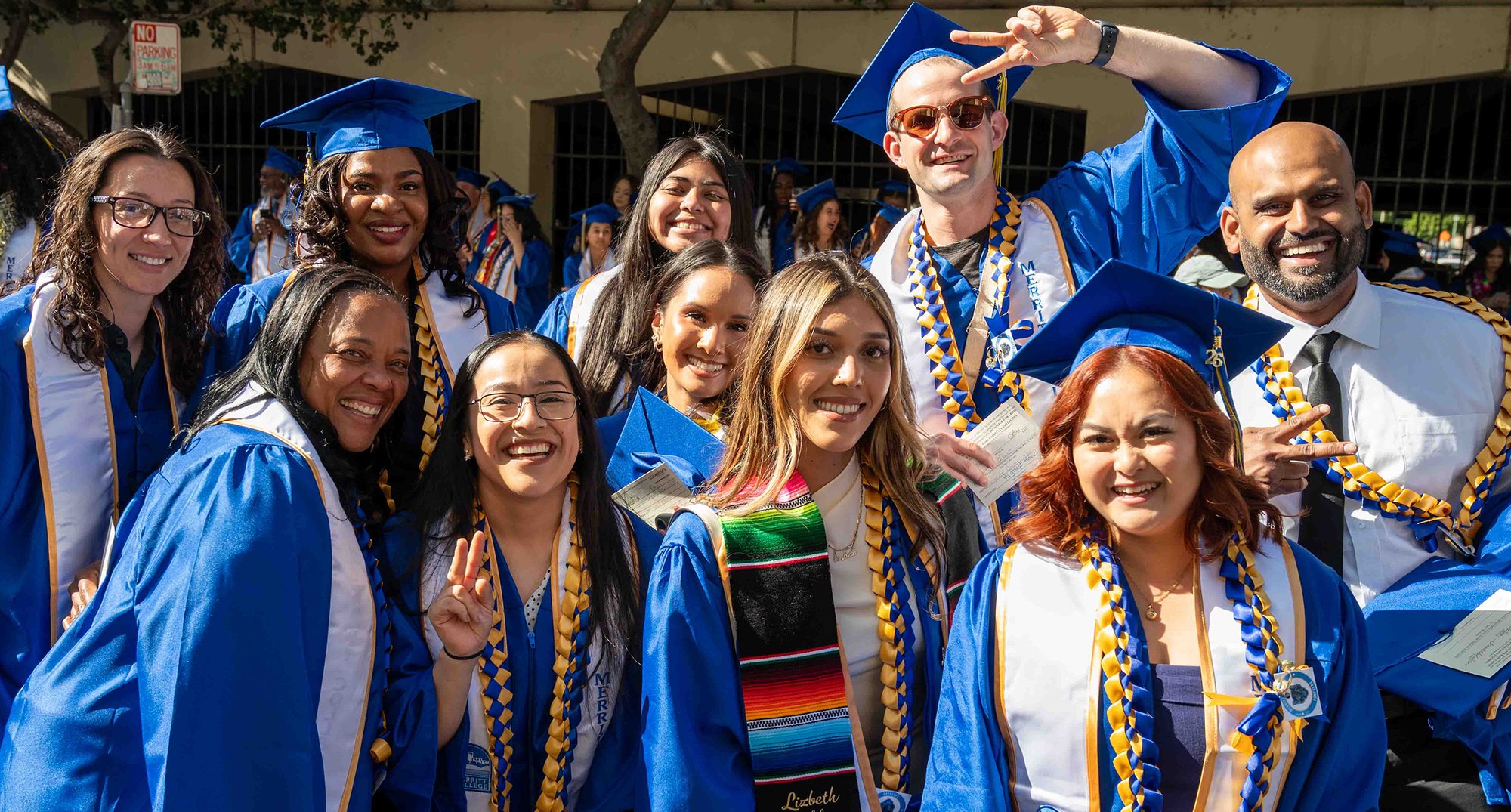
Becoming a student at Merritt College is easy. Use the link below to take the first step. Need help? Visit the Welcome Center.